
Calendar / Youth & teens / Digital art
Winter Term: Youth Digital Drawing Class
- InstructorBodhi Chaisson
- Ages8-11
- TypeTerm course
- Price$235 · members $211.50
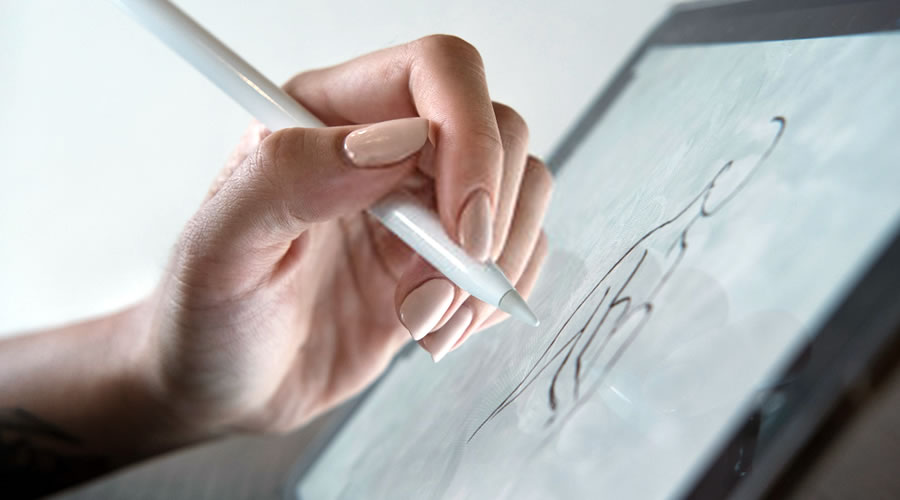
With this sampler course, you’ll have a chance to dip your toes in Digital drawing software with your tablet. Whether you’re a beginner, interested in refreshing your knowledge, someone with a casual avid interest, or looking for a future, digital drawing is being seen more and more as technology evolves.
Learn a variety of transferable skills for various digital art programs including the use of layers, masks, and various shortcuts to improve workflow. Additionally, learn how you can bring your digital drawings into the world with stickers and bookmarks and high quality prints.
With feedback and coaching every step of the way, this course will help you build the digital fundamentals you need, the tools of the trade, bolstering your confidence to create a beautiful digital masterpiece!
Students will be required to bring their own laptop and/or drawing tablet. Free programs will be used during this course.
Materials Needed
• A laptop and graphics tablet OR
• A touchscreen tablet with drawing and pen capabilities
• Students MUST bring all charging and connective cables that they need for their equipment. Extension cords and extra cords and blocks will be provided by the instructor in case of emergency.
Materials Needed
• A laptop and graphics tablet OR
• A touchscreen tablet with drawing and pen capabilities
• Students MUST bring all charging and connective cables that they need for their equipment. Extension cords will be available at the school.
Tablet and Laptop options
Visit the link below for touchscreen tablet examples (link works best if you copy and paste into your browser)
Visit this link for laptop compatible graphics tablet examples. (link works best if you copy and paste into your browser)
https://www.nytimes.com/wirecutter/reviews/best-drawing-tablets
Drawing Programs
*Students will be using the program “Autodesk Sketchbook”, which is
free to download at https://sketchbook.com or the App Store/Playstore for mobile devices.
OR
*Students will be using the program “FireAlpaca”, and is a free to download at https://www.firealpaca.com for laptops.
**IF you encounter problems following this link directly from the site:
Type the following into Google: “Fire Alpaca Download” and follow the first link.
You can download a version of the program depending on the operating system on the device (ie, Windows, Mac) by clicking on the pink buttons.
In your download folder, run the new file with the suffix labelled “ .exe”
Your computer may as you: “Do you want to allow this app to make changes to your device?” Click the left button, “Yes.”
In the drop down menu provided, choose your preferred language and press “OK”
On the next popup, press “Next>”, “Next>” and then “Install”
A progress bar will appear and once it is finished, click “finish”
You can now find a shortcut to the program on your desktop.
Other compatible programs that students are welcome to use and are free of cost:
-Krita https://krita.org/en/download/ (LAPTOP/PC)
-MediBang Paint https://medibangpaint.com/en/app-download/ (LAPTOP/PC & Mobile)
***Note: Students should download one of the applications prior to the first lesson and should spend ~1HR familiarizing themselves with the program as well as their drawing tablet. We will spend ~30 minutes troubleshooting at the beginning of our first lesson.
Please note: No class Mar 17 (March Break)
Registration & cancellation
All courses and course materials are paid in full at registration. You can cancel up to 14 days before the start date for an 85% refund or a 90% credit.